
Notes on the fretboard
Connect note, string and fret. Explore octaves and practise recognising positions.
Explore →From sound to position. From position to music.
Connect what you hear with what you play. Explore the guitar fretboard, practise notes and intervals, and find tools for your study routine.
iOS and Android · No account needed · Bundled content works offline
Try a small discovery
Choose a reference, hear the sound and see its position in standard tuning. Get a first look at the connection you explore in the app.
A concept demo with three real sounds used in FretUp. It is not an assessment and does not use your microphone.
Explore the fretboard →Learning map · Strings 1 to 6 · Frets run left to right
Sound starts only when you choose to listen.
EGFxSet sounds · credits and CC BY 4.0 licenceSee inside the app
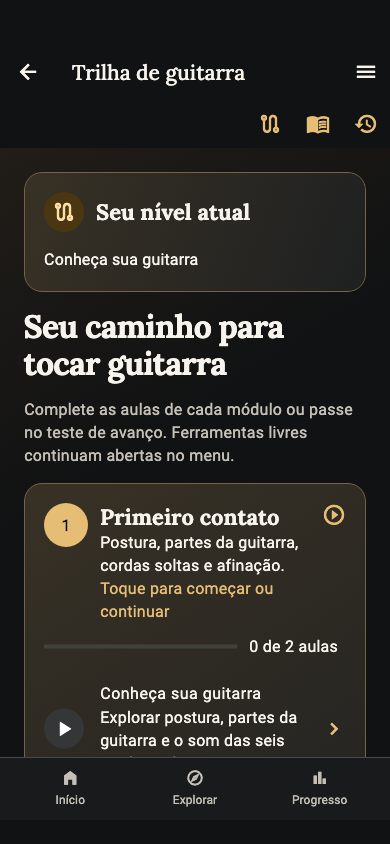
Explore the screens and choose where to start.
Use explanations, diagrams and sound references to take an idea to your guitar. Digital study supports practice with your instrument.
See how to study →Compare notes with a reference, practise intervals and check feedback. In Listen → find, connect sound with a fretboard position.
Explore ear training →Browse content and activities in sequence. Tools remain available to revisit a question or explore on your own.
Explore the Learning Path →Search by name or chord symbol and browse chord families. Return to the library when you need to check a shape.
Explore the library →Start listening and play one string at a time. Tuning is analysed on your device with your permission to use the microphone.
See the tools →Browse activities and results recorded on your device. Listening to a preview, practising and completing an assessment have different roles.
Understand local progress →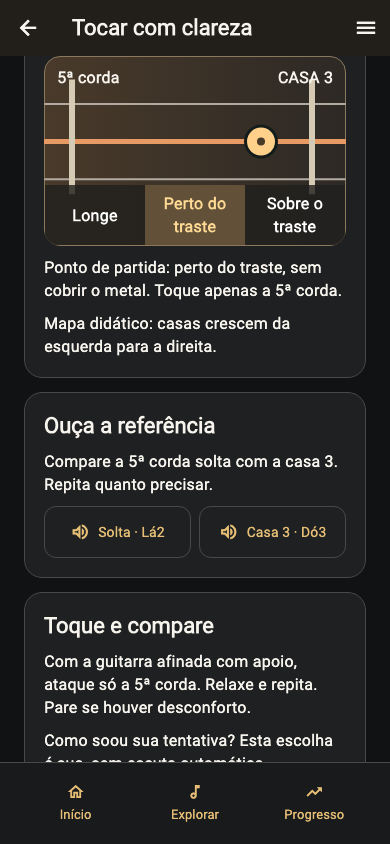

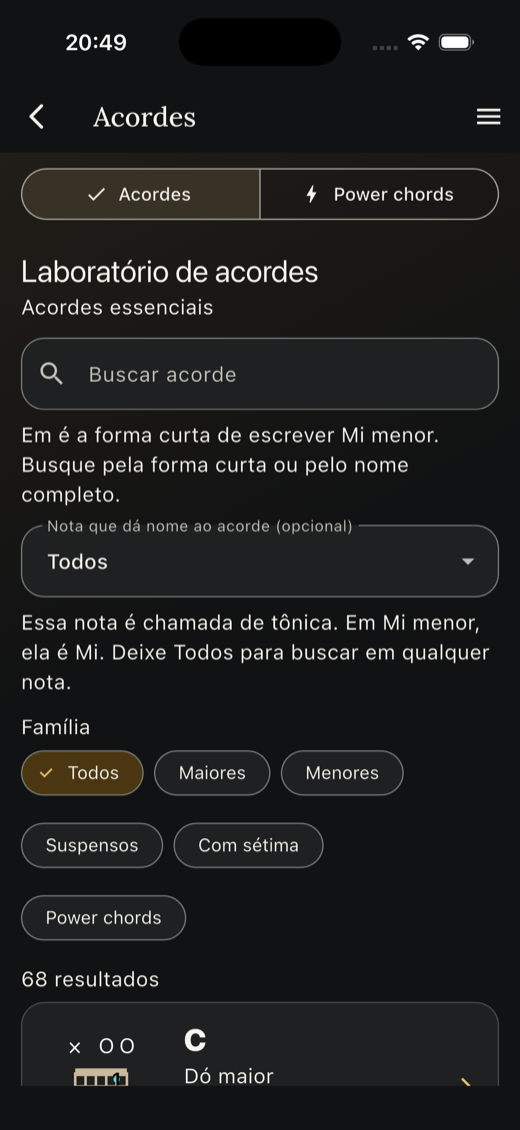
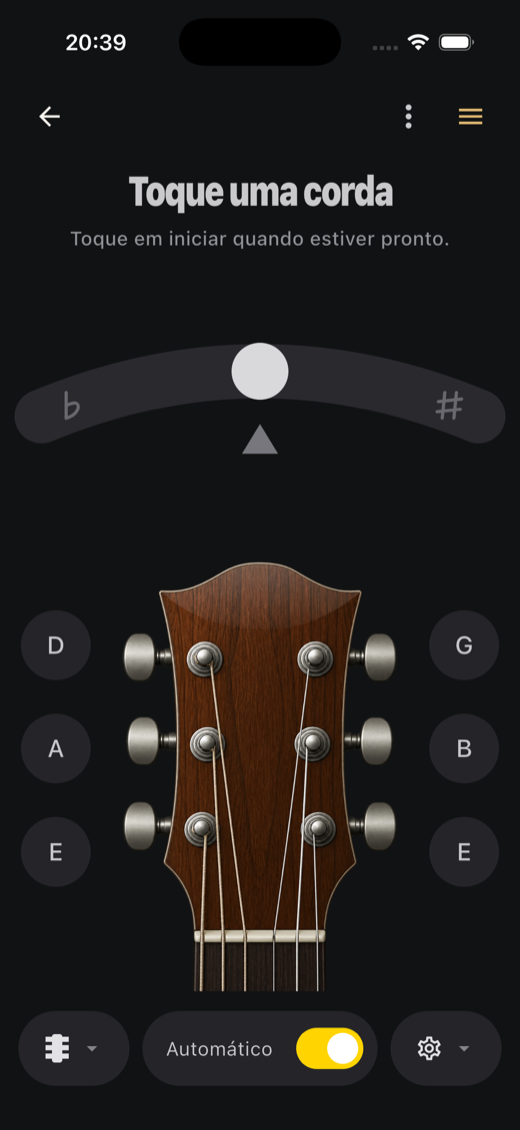
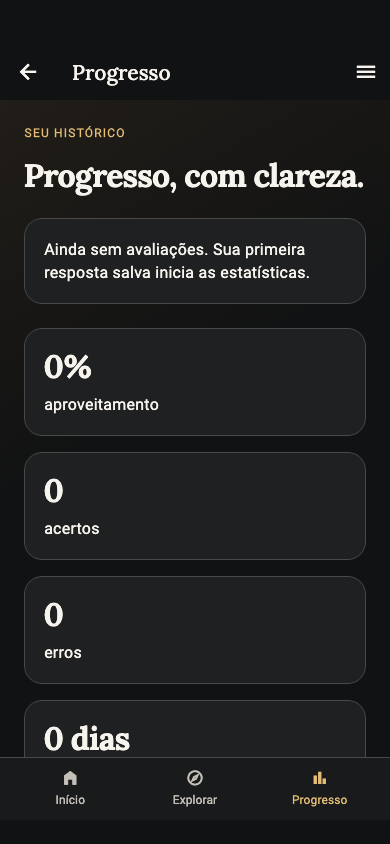
Real development screenshots in Portuguese. The app also supports English. Interface and features vary with your installed version.
Choose what your practice needs
Connect note, string and fret. Explore octaves and practise recognising positions.
Explore →Compare sounds with a reference and connect what you heard to a musical answer.
Listen with purpose →Look up shapes, chord symbols and note relationships to support your discoveries on the instrument.
Browse →Prepare your guitar with the tuner and use the metronome as a pulse reference.
Prepare your practice →Practise ideas in a musical context with references from the catalogue in your version.
Explore the studies →Choose activities, revisit content and view your history on your own device.
Continue →
A path that fits your moment
Use the Learning Path for a guided activity or go straight to the tool you need. A note, a chord or a clearer connection can give direction to your session.
Focus on your instrument
Bundled content and sounds do not depend on streaming. You do not need an account to start, and progress stays on your device.
Understand your data →Links and update checks use internet. Do not uninstall or clear data to fix an error: you may erase your history.
Before you download
Not to explore and answer digital exercises. The tuner uses your device's microphone with your permission. The app does not automatically assess any musical performance.
The app supports study and practice. It does not replace individual guidance or promise mastery of the instrument within a fixed time.
Availability depends on the version and device. Check requirements, description and release notes in the official store. Screenshots on this website show product development.
The next step is yours
Download FretUp from your device's store and start with today's discovery.